Cafe and small restaurant operators reconciling a POS export against a bank statement, and the bookkeepers who get asked where the money went.
Cómo funciona
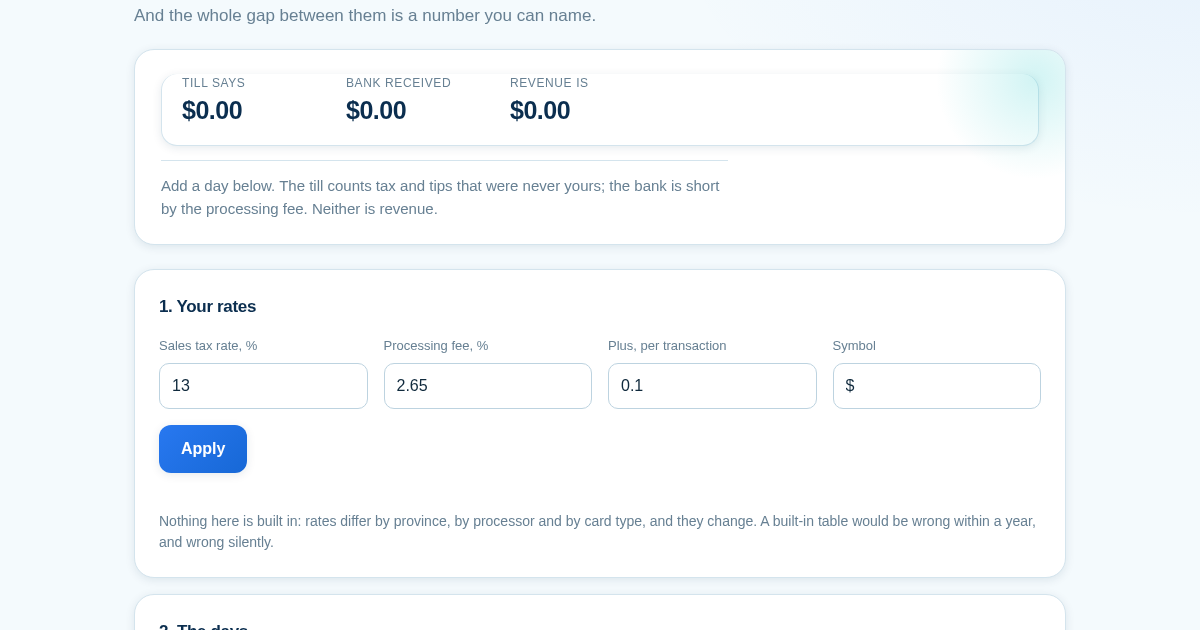
- Enter your tax rate and both parts of your processing fee.
- Add one row per day: net sales, tips, card takings, transaction count and the cash you actually banked.
- Read the three figures side by side and check which one you have been quoting.
- Check the gap against fees and unbanked cash — if it matches, nothing is missing.
Qué obtienes
- Shows you the three different numbers a business calls 'sales' — the till, the bank, and revenue — side by side, and names exactly why they don't match so you stop hunting for money that was never missing.
Captura de pantalla
Detalles técnicos
Como configurar y usar
- Compra la licencia — tu clave (lic_...) aparece en la pagina del pedido y en tu correo.
- Inicia sesion en app.synoriaai.com con tu clave de licencia.
- Sin instalacion — el producto funciona en el navegador, en tu instancia aislada.
- 1. Open the app and enter your tax rate, processing fee percentage, and fixed fee per transaction in Settings, then save.
- 2. For each business day, enter the day label, net sales (before tax and tips), tips, card gross amount, number of transactions, and cash banked.
- 3. Click 'Add Day' to see the three sales figures side by side: till-reported, bank-received, and actual revenue.
- 4. Review the gap breakdown showing processing fees and unbanked cash, plus the effective fee rate for that day.
- 5. Check each row for any day flagged as invalid (e.g., no net sales entered) to ensure all entries are complete.
Preguntas frecuentes
What does this tool actually tell me about my sales numbers?
It shows three separate figures that are often all called 'sales' – what your till reported, what your bank actually received, and what your true revenue was after removing tax, tips, and processing fees – so you can see exactly which number you're quoting and why they differ.
Is my financial data safe with this product?
Yes, all data you enter is processed locally in your browser and is never sent to our servers. Nothing is stored externally, and you can clear your entries at any time by refreshing the page.
Does this tool handle cash shortages or missing money?
No, it only reconciles the gap between till and bank as processing fees plus unbanked cash. If your gap doesn't match those two components, it won't identify other causes – it simply shows the difference so you know it's not explained by fees or cash handling.
Productos relacionados
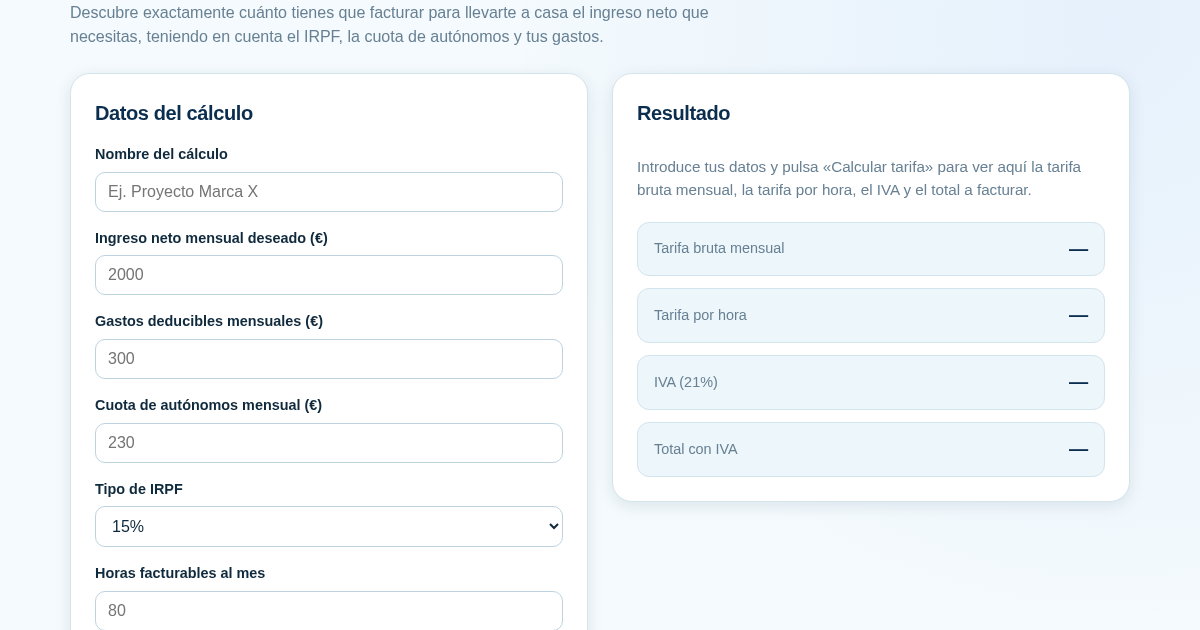
Calculadora de Tarifas para Autónomos
Muchos autónomos fijan sus tarifas sin saber cuánto necesitan facturar realmente para alcanzar el ingreso neto que quieren. Esta calculadora parte del neto mensual deseado y calcula la facturación bruta necesaria…
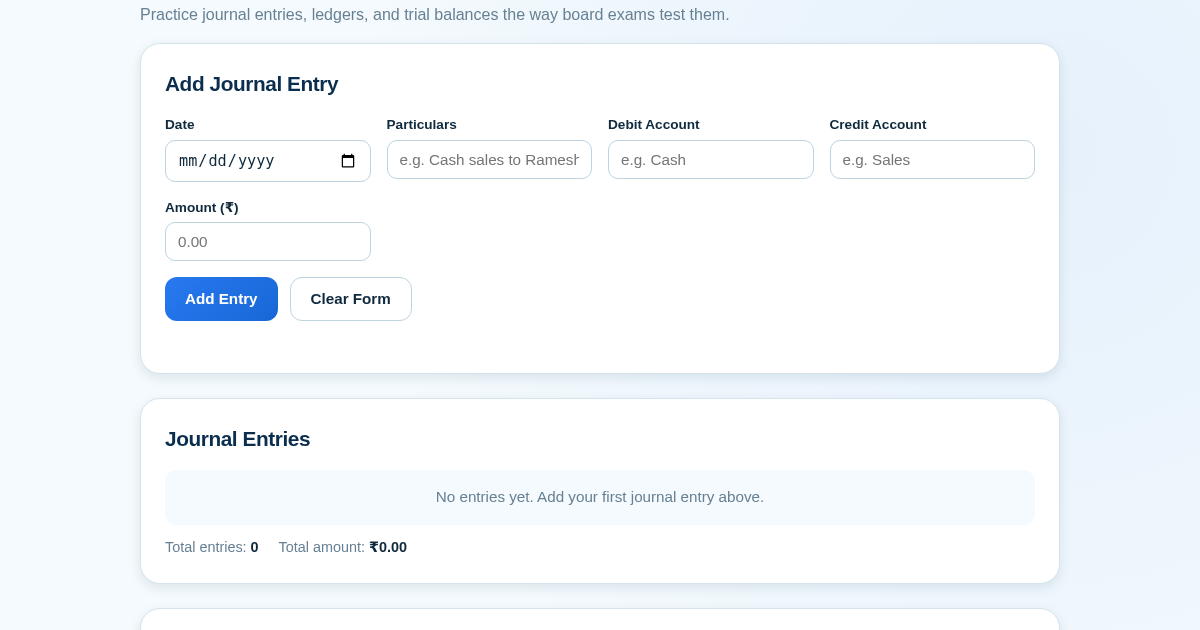
Ledger & Trial Balance Practice Tool
Commerce students in Class 10-12 need to practice journal entries and see how they flow into ledgers, trial balances, and balance sheets for board exams. This tool lets them enter transactions and instantly see the…
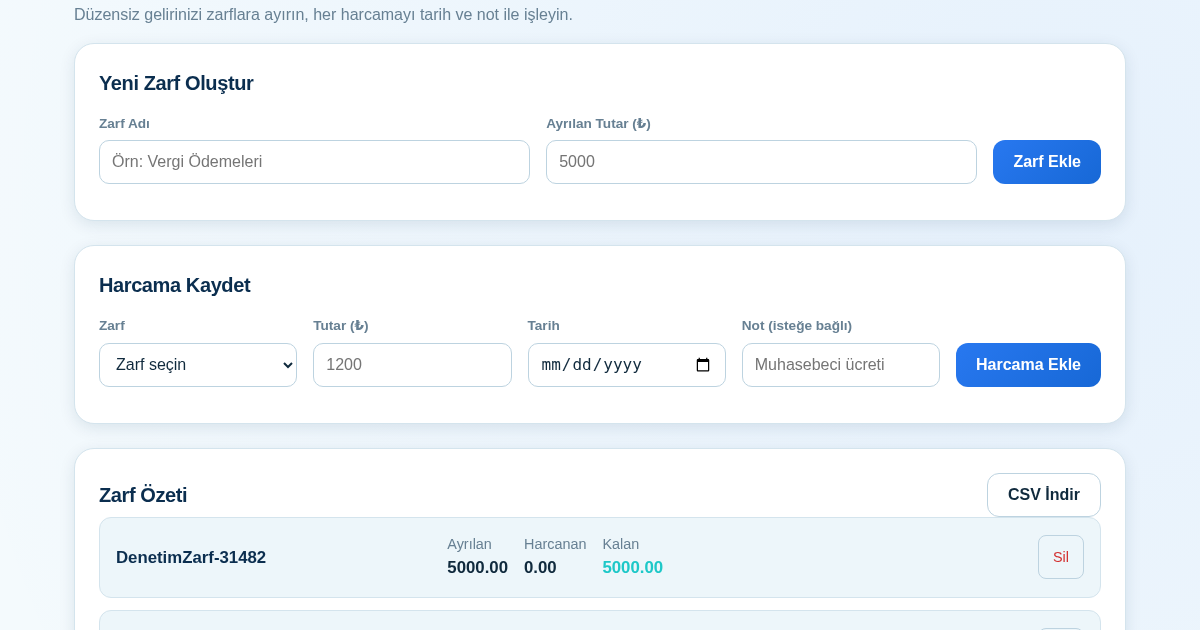
KASA - Serbest Çalışanlar İçin Zarf Bütçesi
Serbest çalışanlar düzensiz gelirlerini vergi, kira ve yaşam giderleri gibi zarflara bölerek bütçelerini düzenli tutabilir. Her harcamayı tarih ve not ile ilgili zarfa işleyerek ne kadar ayırdığını ve ne kadar…
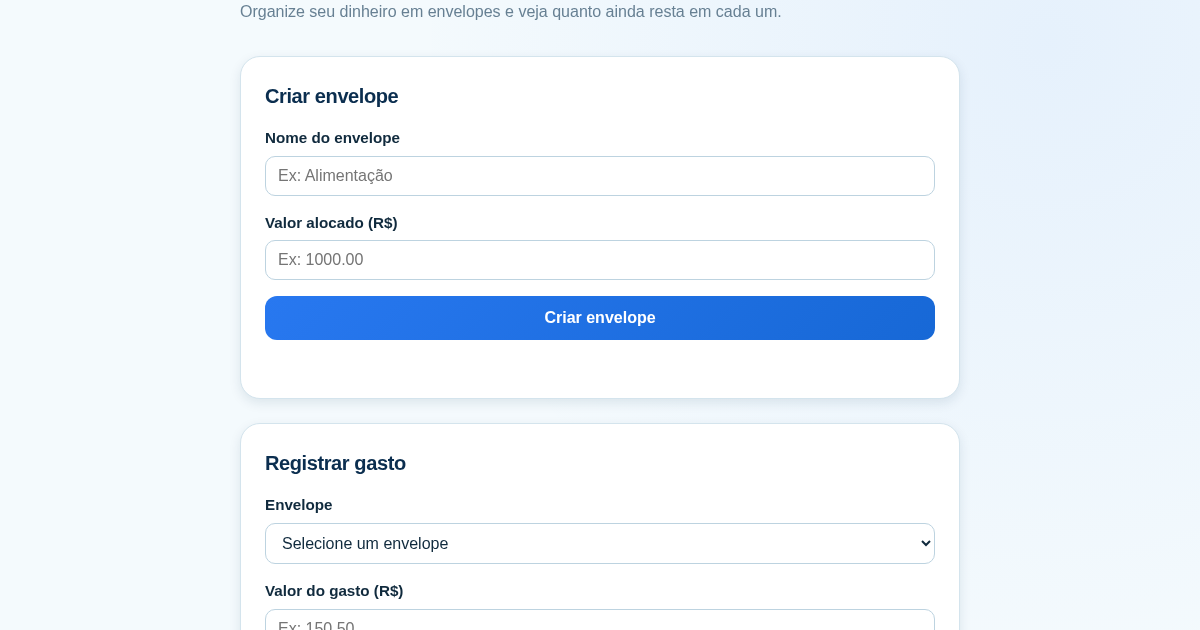
Calculadora de Orçamento por Envelopes (Pix)
Este aplicativo ajuda brasileiros a organizar seu dinheiro em envelopes de orçamento, como alimentação, transporte e lazer, sem precisar conectar uma conta bancária. Ele resolve o problema de controlar gastos do dia a…